
Convert YouTube Videos to Notes Instantly with AI
Generate accurate notes from any YouTube video in seconds with AI — turn video audio into text, summaries, or study notes effortlessly. No login required.
 YouTube
Your YouTube Notes Made Easy with Seekin
Turn any YouTube video into clean, structured notes instantly with Seekin. Perfect for students, creators, and researchers, our AI transforms lectures, tutorials, and webinars into accurate text and summaries — no manual transcription, no login, no downloads. Just paste your YouTube link, click Generate Notes, and get clear, organized insights in seconds.
- Instantly convert YouTube audio into accurate text and structured notes for faster learning and research.
- Capture key points, summaries, timestamps, and insights without manual typing or rewinding videos.
- Works seamlessly with lectures, tutorials, webinars, interviews, explainers, and long-form educational videos.
- 100% online — no login required, no software installs, just fast and reliable AI-powered note generation.
How to Convert YouTube Videos to Notes with Seekin
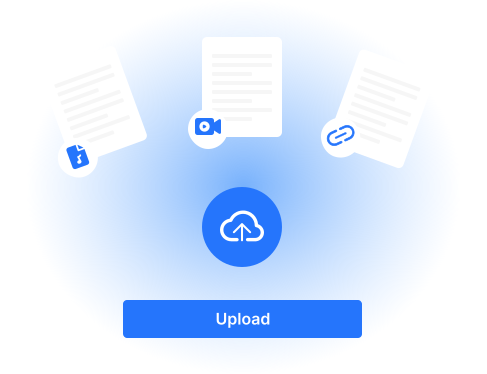
Paste Your YouTube Link
Copy the URL of the YouTube video you want to convert and paste it into Seekin’s input box. It works with any public video.
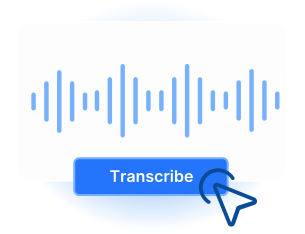
Click “Generate Notes”
Once your link is entered, click the “Generate Notes” button. Our AI will process the video and extract the full text automatically.
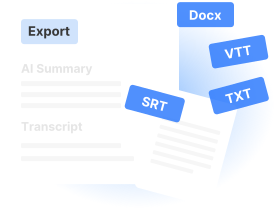
Download or Generate Notes
After processing, you can download the full transcript directly, or choose to generate concise notes or a summary for easier reading and study.
Powerful Features of Seekin YouTube to Notes
Turn any YouTube video into accurate notes effortlessly. With Seekin, you can convert video audio to text, generate summaries, and save organized notes in seconds — no login required. Perfect for students, content creators, and researchers.

Instant Video to Text Conversion
Convert YouTube video audio into accurate, editable text in seconds, saving hours of manual transcription.

Generate Concise Notes
Automatically create structured notes highlighting key points, making studying and reviewing faster and easier.

AI-Powered Summaries
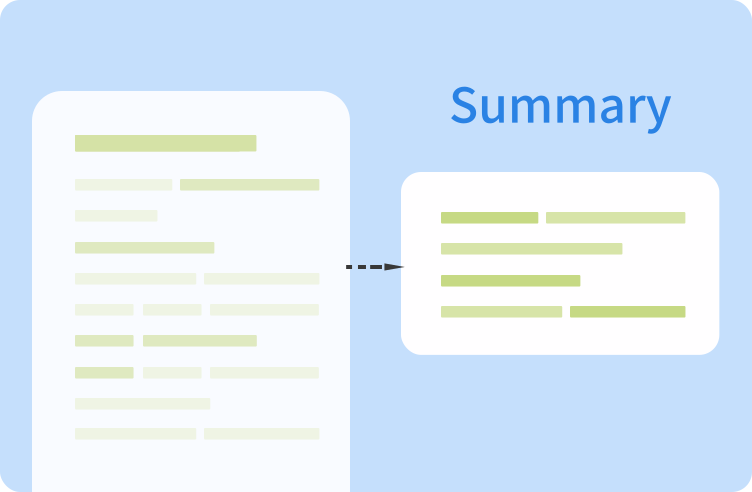
Get clear summaries of YouTube videos, helping you quickly grasp the main ideas without watching the entire video.

Multiple Notes Formats Available
Choose how you want your output — full transcript, structured notes, or concise summaries. Flexibility to match your study or content creation needs.

Download or Export Easily
Save transcripts, notes, or summaries directly to your device in multiple formats for convenient offline use.

No Login or Installation Required
Start converting videos instantly with zero setup — simply paste the link and get your notes in seconds.
Who Can Benefit from Seekin's YouTube to Notes
Quickly convert YouTube videos into notes or summaries. Perfect for students, educators, content creators, and professionals to save time and boost productivity.
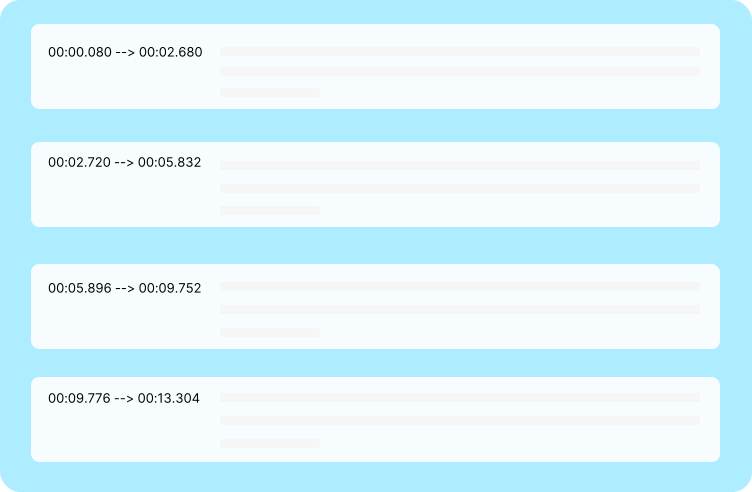
Students & Learners
Convert lectures, tutorials, or study videos into organized notes instantly. Save hours on manual transcription and focus on learning efficiently.

Educators & Trainers
Create class notes, teaching materials, or video summaries from YouTube content quickly. Perfect for lesson prep or online courses.
Content Creators & Writers
Transform YouTube videos into text for blog posts, articles, or scripts. Generate summaries or notes to save time on content planning.

Professionals & Researchers
Extract key points, meeting recordings, or webinar content from YouTube videos. Generate notes or concise summaries for reports and research.
FAQs of YouTube to Notes Converter
How do I get notes from a YouTube video?
Paste the YouTube video link into Seekin and click “Generate Notes.” You can download the full transcript, generate structured notes, or create a summary — perfect for students, researchers, and content creators.
Can I translate YouTube videos to text?
Yes! Seekin extracts audio from YouTube videos and converts it into editable text. This helps with note-taking, research, or content creation in multiple languages.
What is a YouTube to Notes Converter AI?
Seekin’s AI-powered tool automatically processes video audio to produce accurate notes or summaries. Ideal for quickly capturing key points from lectures, tutorials, or webinars.
Can I convert YouTube sound to text only?
Absolutely. If you only need the audio transcription, Seekin can generate a full text version of the video’s sound, saving time on manual transcription.
How do I use a YouTube link to get notes?
Simply paste any public YouTube link into the input box, click “Generate Notes,” and choose to download a transcript or generate notes/summary. Works with tutorials, vlogs, webinars, and lectures.
Can I make notes from a YouTube video for study purposes?
Yes. You can create structured notes highlighting key points, summaries for revision, or full transcripts — great for students, educators, and professionals.
Is it possible to use YouTube video to Notes Converter AI for content creation?
Yes. Extracted transcripts and AI-generated notes can be repurposed for blog posts, articles, scripts, or SEO content without watching the entire video.
Are there any limitations when converting YouTube videos to notes?
Seekin supports all public videos. Private, age-restricted, or region-locked content cannot be processed. The tool works on desktop and mobile browsers without login or installation.
Start Converting YouTube Videos to Notes with AI
Generate accurate notes, summaries, or transcripts from any YouTube video instantly — no login required with Seekin.