
Free YouTube Subtitle Downloader
Free tool to download YouTube subtitles and transcripts in seconds. Export as SRT, VTT or TXT instantly.
 YouTube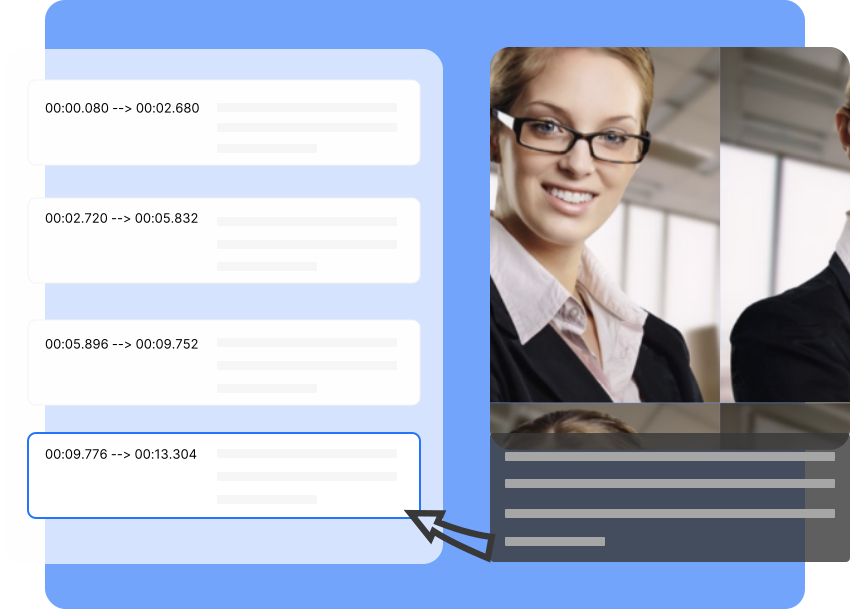
A Smarter Way to Download YouTube Subtitles with Seekin
Seekin gives you a faster, cleaner way to download YouTube subtitles for free. No extensions or manual copying—get accurate captions and transcripts instantly.
- Multi-Format Export: Download subtitles as SRT, VTT, or TXT in one click.
- Clean Captions: Auto-remove noise for ready-to-use subtitle text.
- Timestamps Support: Keep or remove timestamps based on your workflow.
- Fast & Free: Instant downloads with no signup required.
How to Download YouTube Subtitles with Seekin
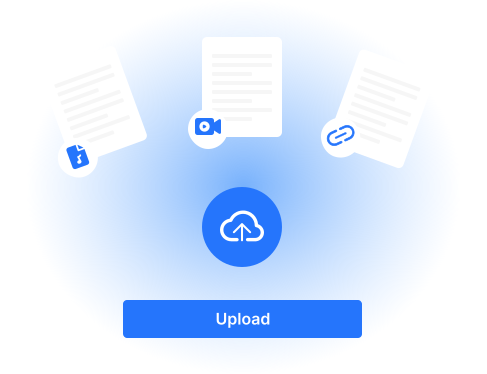
Paste the YouTube Link
Copy the URL of any YouTube video and paste it into the input box on Seekin to start subtitle extraction instantly.
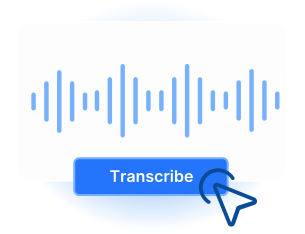
Choose Subtitle Format
Select from SRT, VTT, or TXT. You can also choose whether to include timestamps based on your workflow.
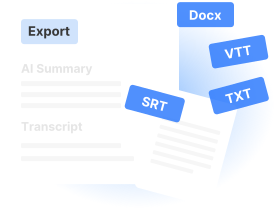
Download Your Subtitles
Click download to get clean, accurate captions or transcripts—ready for editing, translation, or content creation.
Powerful YouTube Subtitle Download Features
Seekin gives you a smarter, faster way to extract YouTube subtitles and transcripts. Enjoy multi-format exports, clean text, flexible timestamps, and a seamless, free workflow.

Multi-Format Subtitle Export
Download subtitles in SRT, VTT, or TXT—perfect for editing, captioning, translation, and content creation.

Automatic Subtitle Extraction
Instantly detect auto-generated and creator-uploaded captions. No extensions or manual copying required.

Optional Timestamps
Choose to keep or remove timestamps based on your workflow—ideal for subtitles, scripts, or summaries.

Clean & Editable Text
AI-optimized text with reduced noise and clean formatting, ready for translation, SEO content, or repurposing.

Fast & Completely Free
No login, no plugins, no limits. Get your subtitles and transcripts instantly at zero cost.

Works with Any YouTube Video
Extract subtitles from tutorials, interviews, lectures, podcasts, and any other YouTube content effortlessly.
Practical Uses of Seekin YouTube Subtitles
Discover how YouTube subtitles can help content creators, video editors, students, and translators save time, improve workflow, and create high-quality content effortlessly.
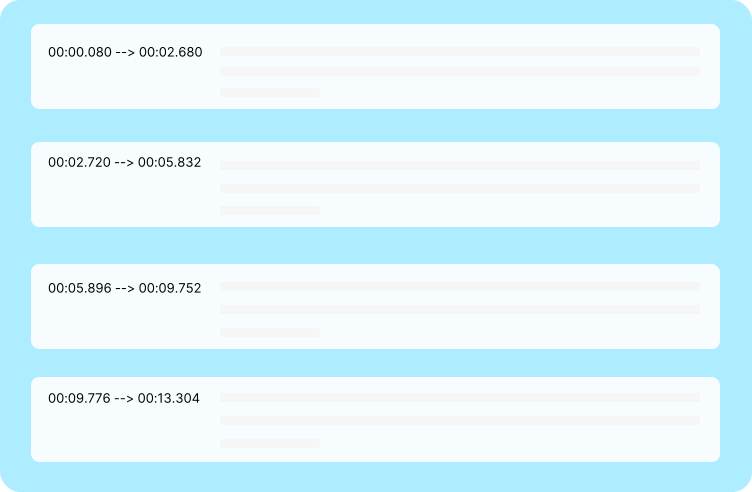
Content Creators
Turn YouTube subtitles into blog posts, social media content, or scripts. Quickly repurpose video captions for content creation and SEO.
Video Editors
Use SRT, VTT, or TXT subtitles to add accurate captions, speed up editing, and improve video accessibility.
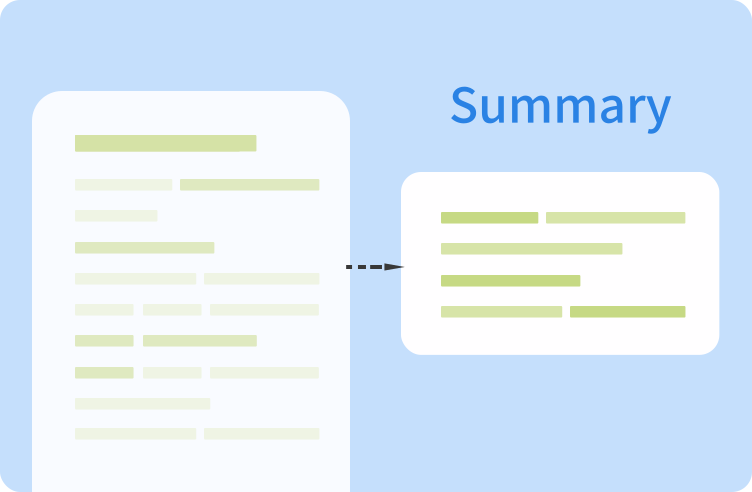
Students & Researchers
Extract transcripts from tutorials, lectures, or interviews to highlight key points, take notes efficiently, and streamline research.
Translators & Global Teams
Get clean, editable YouTube subtitles for translation or localization, making videos accessible to multilingual audiences.
FAQs of YouTube Subittle Downloader
What is a YouTube Subtitle Downloader?
A YouTube subtitle downloader allows you to extract subtitles or transcripts from any YouTube video. You can download captions in SRT, VTT, or TXT formats for editing, translation, or content creation.
How do I download YouTube subtitles for free?
With Seekin, you can download YouTube subtitles for free by simply pasting the video URL. No login, extensions, or plugins are required, and you can instantly get clean, editable transcripts.
Can I download auto-generated subtitles from YouTube?
Yes! Seekin supports both creator-uploaded and auto-generated YouTube subtitles. You can extract accurate captions and save them in SRT, VTT, or TXT formats for any use.
Can I keep timestamps when downloading YouTube subtitles?
Absolutely. Seekin lets you choose whether to include timestamps in your subtitles or transcripts, making it flexible for video editing, transcription, or note-taking.
Which YouTube subtitle formats does Seekin support?
Seekin supports multiple subtitle formats, including SRT, VTT, and TXT, allowing you to use the captions in video editors, transcription tools, or translation workflows.
Can I use downloaded YouTube transcripts for SEO content?
Yes. The clean, editable transcripts from Seekin can be repurposed into blog posts, social media content, or SEO-optimized articles, boosting your content visibility and productivity.
Is it legal to download YouTube subtitles?
Downloading subtitles for personal use, study, translation, or content creation is generally allowed. Always respect copyright and YouTube’s terms of service when using transcripts commercially.
Can I extract subtitles from any YouTube video?
Yes. Seekin works with tutorials, lectures, interviews, music videos, and other public YouTube content, making it easy to get captions for any video you need.
Download YouTube Subtitles Instantly for Free
Get accurate, clean YouTube subtitles and transcripts in seconds. No login, no plugins—just paste your video link and start downloading in SRT, VTT, or TXT format.