
Transcribe Speech to Text Instantly with Seekin AI
Easily transcribe spoken words from audio and video files with AI-powered accuracy—ideal for creators, students, and professionals.
Smarter, Faster Speech Transcription
Typing out speech is slow and tiring. Seekin's smart AI delivers instant, high-quality transcripts, saving you time and effort.
How to Convert Speech to Text
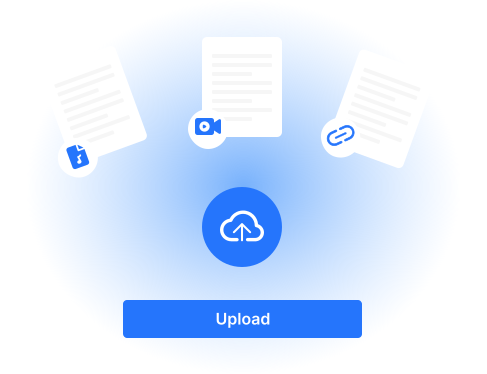
Upload Your Audio or Video
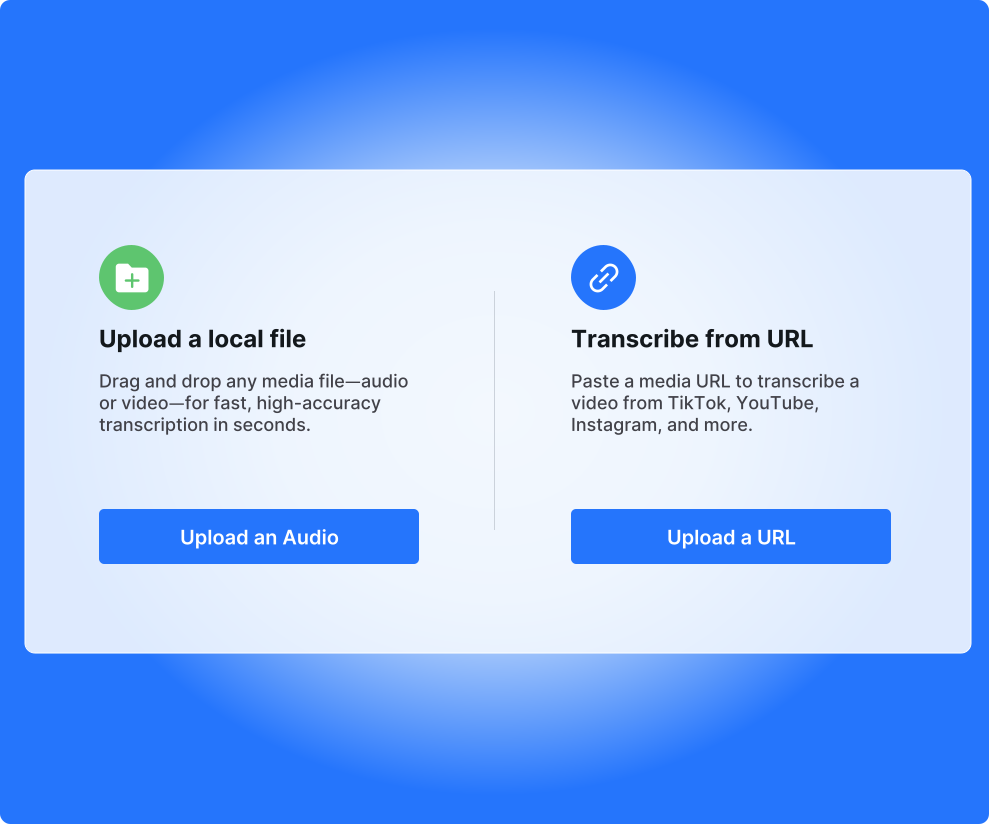
Drag and drop your file or paste a link—MP3, MP4, MOV, and more supported.
AI Transcribes Instantly
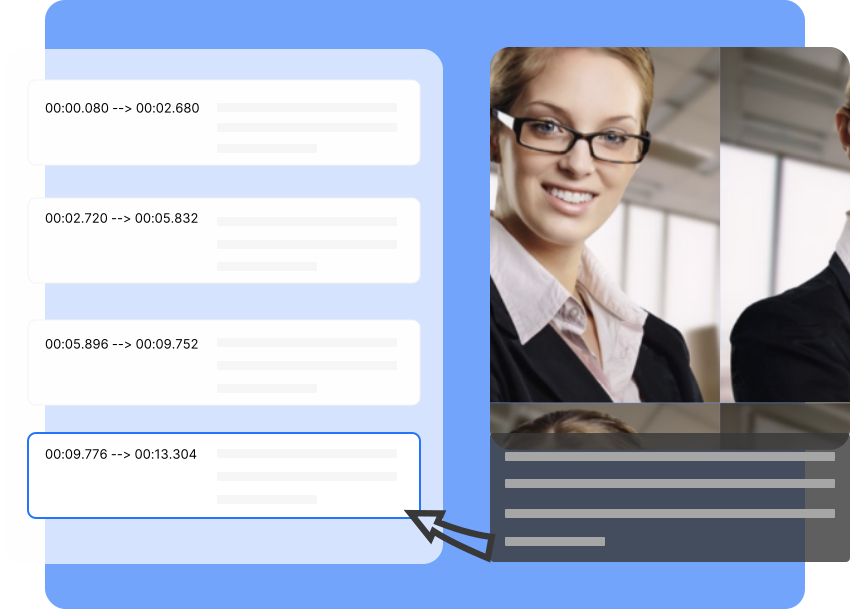
Seekin’s AI detects speech, timestamps, and speakers in seconds.
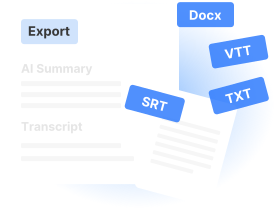
Edit & Export
Edit your transcript in-browser and export it as TXT, SRT, or Word.
Smart Speech-to-Text Tools

Multi-Format Support
Upload audio or video in MP3, MP4, WAV, and other formats.

Multi-Speaker Detection
Automatically separates and labels speakers.

Punctuation & Formatting
Get transcripts that are clean and ready to use.

Timestamped Text
Easily navigate your transcript with time markers.

Cloud Access
Access all your transcripts from your Seekin dashboard anytime.

Language Options
Supports multiple languages and accents with high accuracy.
What You Gain with Seekin
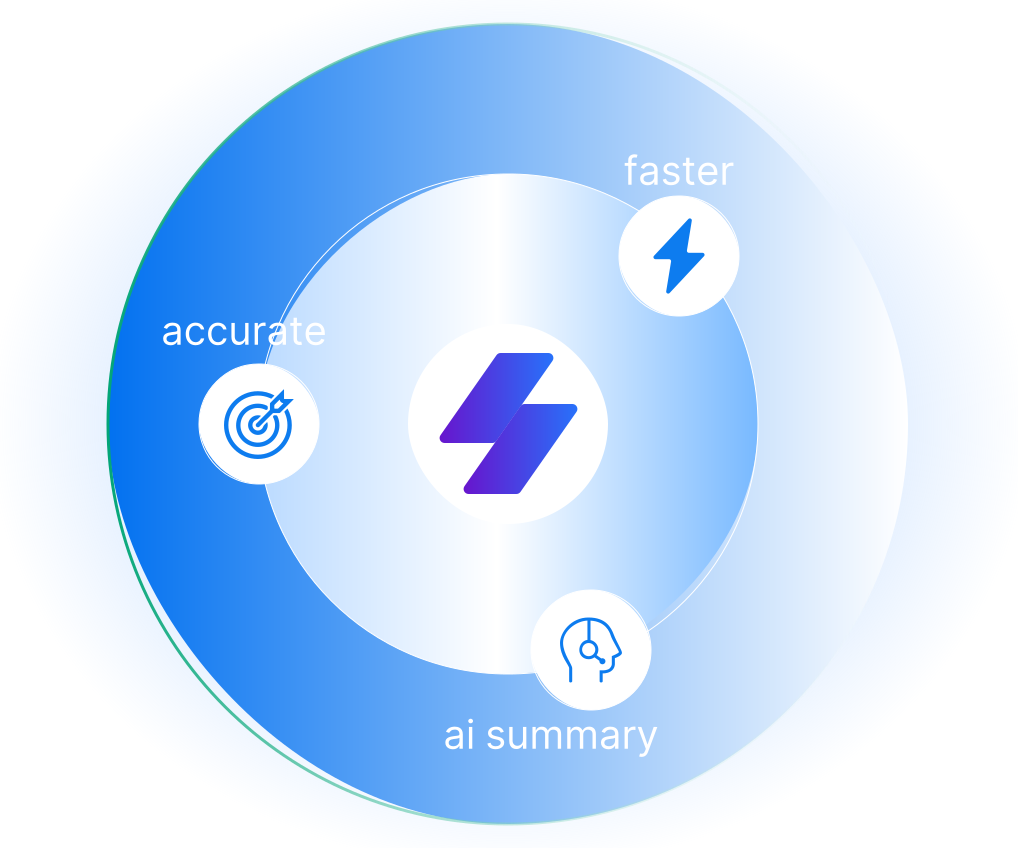
Save Hours Weekly
Automated transcription frees you from manual typing—get accurate results in minutes, not hours.

Crystal-Clear Accuracy
TAI fine-tuned for clarity and context delivers precise transcripts, even with multiple speakers or background noise.
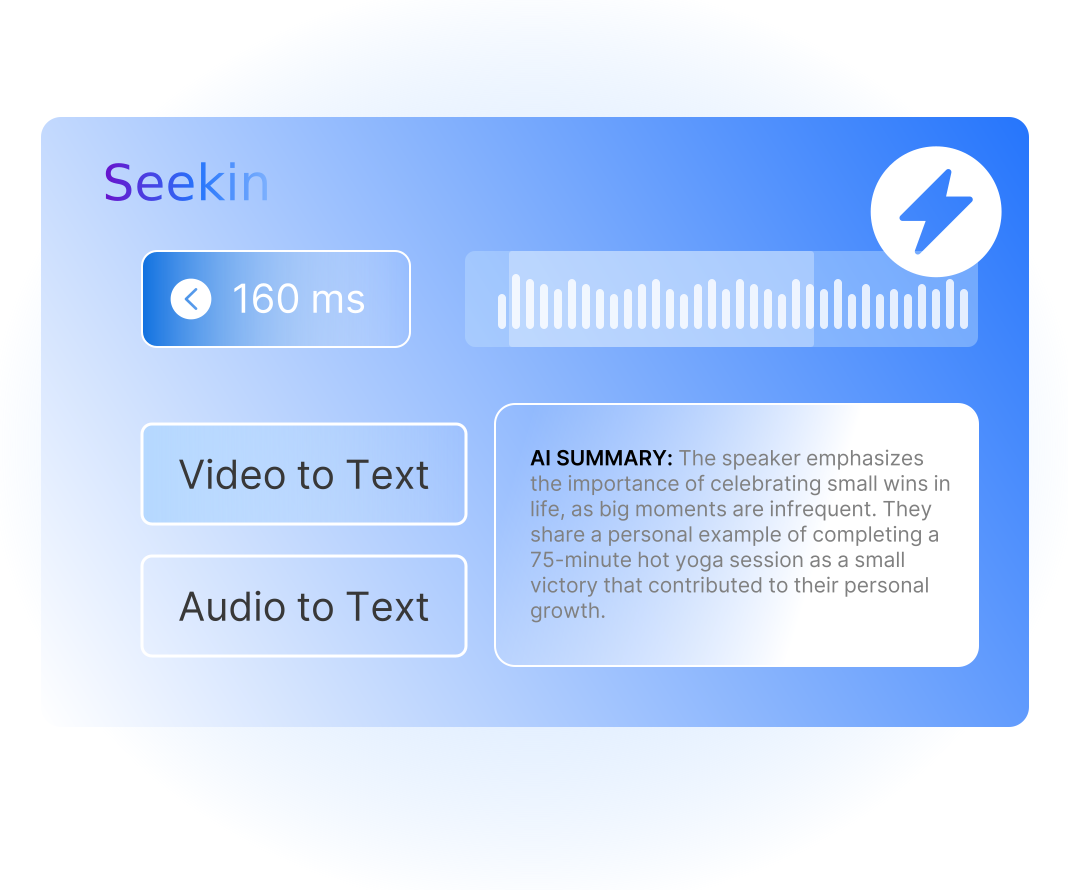
All-in-One Simplicity
Upload, transcribe, edit, and export—no switching tools, no learning curve, just seamless workflow.
Frequently Asked Questions
What file types are supported?
Seekin supports MP3, MP4, WAV, M4A, and other common audio/video formats.
How accurate is the transcription?
Seekin uses state-of-the-art AI to ensure over 90% accuracy, even in noisy recordings.
Can I transcribe long recordings?
Yes, though free trial has length limits—upgrade to unlock longer uploads.
Can I use this on mobile?
Yes, Seekin is mobile-friendly and works in any modern browser.
Are transcripts saved automatically?
Yes, your transcripts are securely saved to your Seekin account.
Do you support multiple languages?
Absolutely—Seekin supports 90+ languages and regional accents.
Can I edit the transcript?
Yes, you can edit directly in the browser before exporting.
Is there a free version?
Yes, we offer a free trial to test out our speech-to-text service.
Convert Speech to Text Instantly with Seekin
Upload your audio or video file and get a full transcript in seconds. Try it free today—no downloads or credit card required.